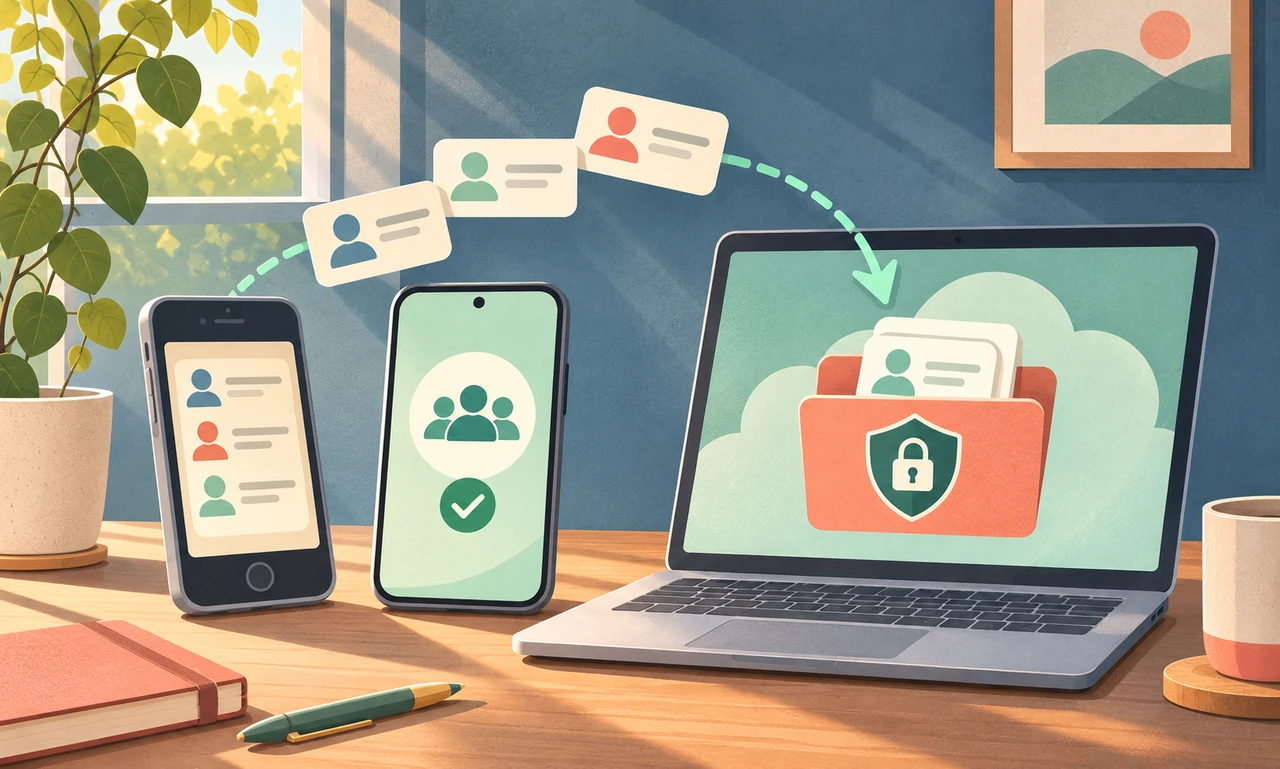
Find where the contacts live
A phone can display contacts stored in several places: the device, a cloud account, a work account or the SIM card. Before changing phones, open the contacts settings and identify which accounts are included.
Look for a count or list by account rather than assuming that every visible name is synchronized. A contact added years ago may live only on the old device, while newer entries may already be tied to an account that will appear after sign-in.
If the phone belongs to an employer or organization, follow its migration and data-handling rules. Do not copy work contacts into a personal account without permission.
Make one independent export
Use the phone or account’s built-in export function to create a standard contact file when available. Save it somewhere you control and can reach without the old phone. Give the file a clear date and keep it private; a contact list contains other people’s personal information as well as your own.
Protect the backup with the security appropriate to your device and account. Avoid sending it through an untrusted messaging service or leaving it in a public downloads folder. Delete unnecessary copies after the transfer is complete and verified.
An export is a safety copy, not proof that every field is correct. Open the file only with a trusted contacts application or check its summary so you know it contains the expected number of entries.
Verify before erasing anything
Set up the new phone and confirm that names, phone numbers and important notes appear. Test a few contacts from different periods and accounts. Check for duplicates before running a large merge, since automatic cleanup can combine people with similar names.
Keep the old phone unchanged until the new device is working and any required authentication has moved successfully. Follow the manufacturer’s instructions when transferring an eSIM, security key or account access.
Only erase or trade in the old phone after you have verified the transfer and any separate backup you need. The quiet moment to protect a contact list is before the new device becomes urgent, not after the old one has been reset.
About this article
An original everyday guide from Everyday News. It offers practical ideas and perspective rather than firsthand reporting.